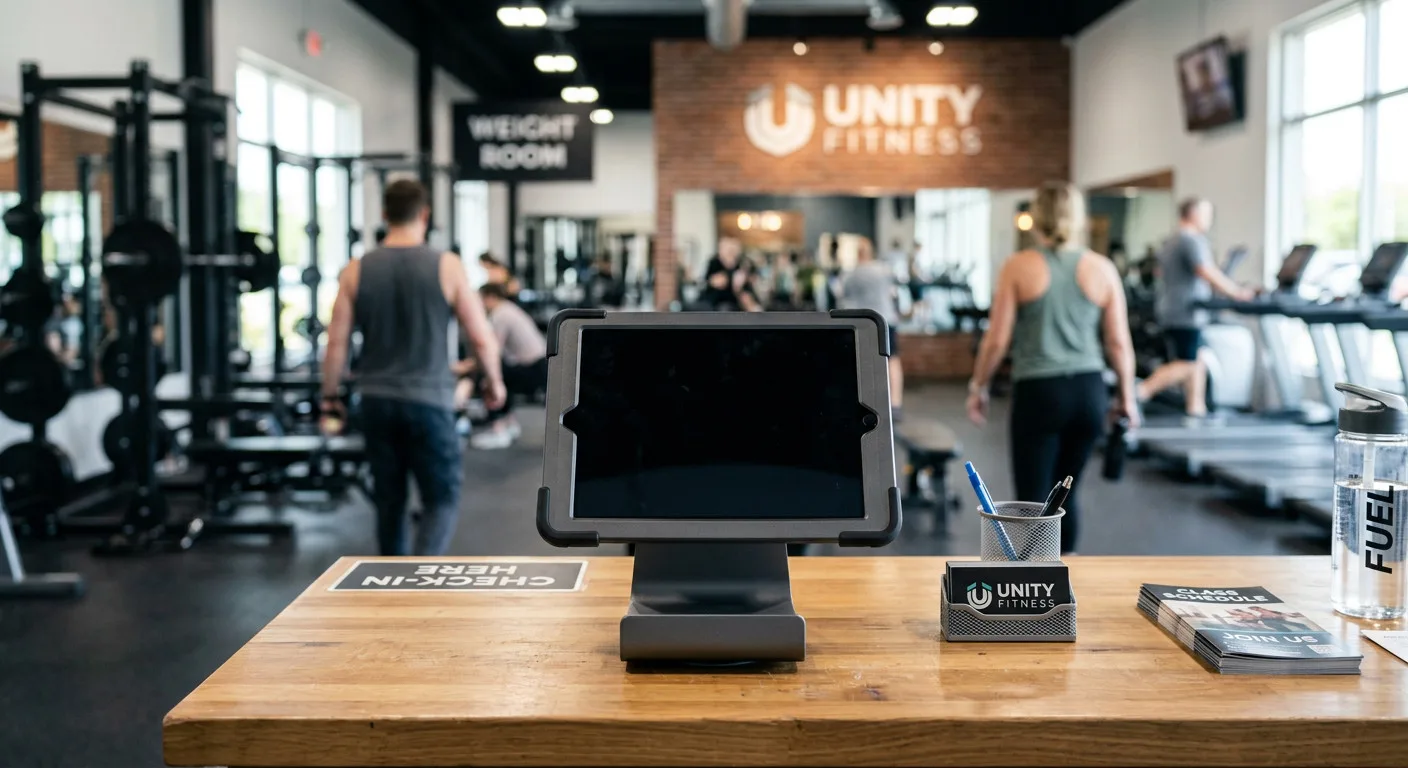
AXLE Capture
The check-in kiosk that eliminates front desk chaos.
Turn your front desk into a data engine that fuels every campaign, contract, and conversation. Every visit is an opportunity to automatically capture missing emails, phone numbers, and birthdays without slowing anyone down.
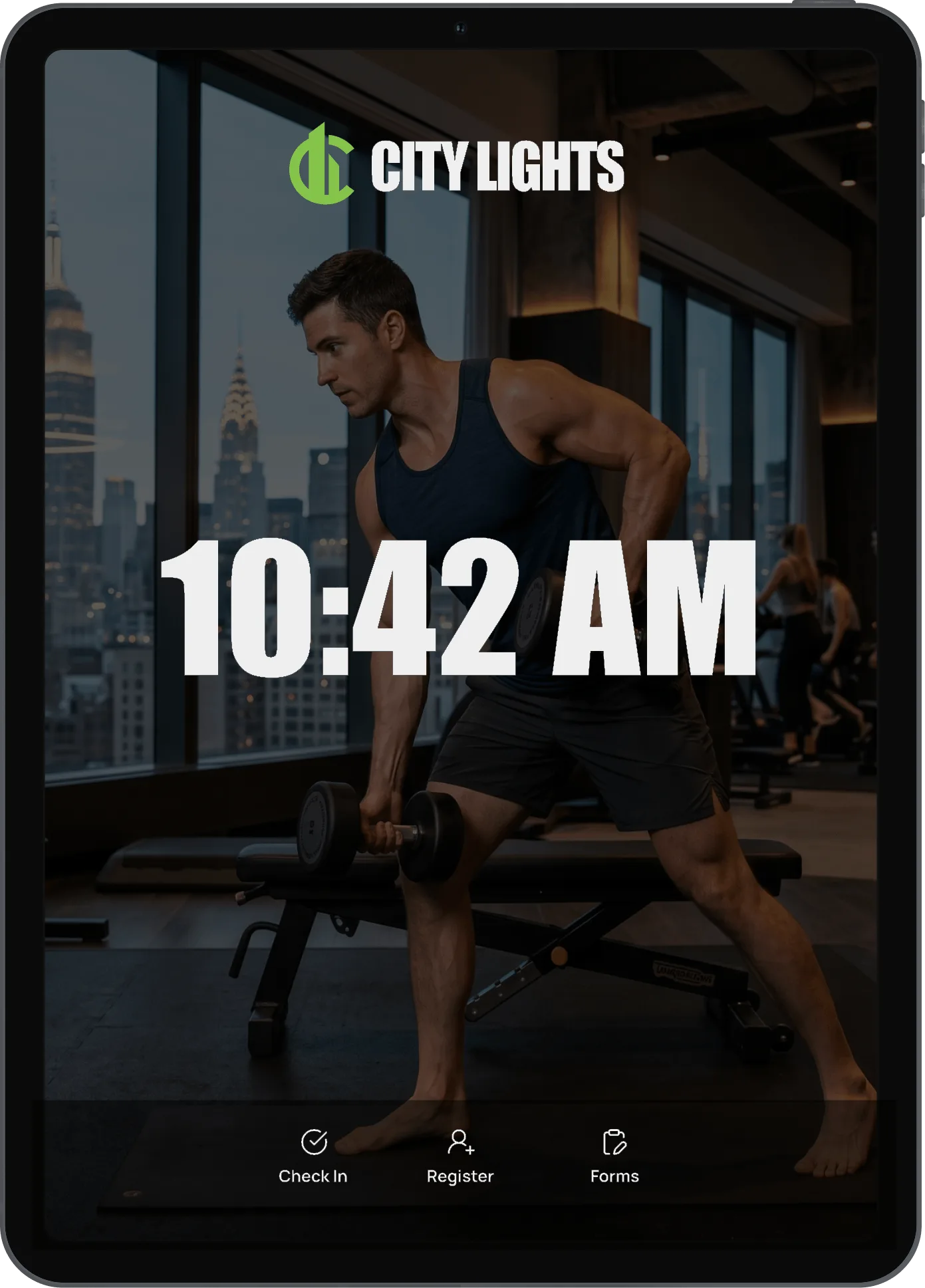
Data Capture
Automatically capture what's missing.
AXLE Capture turns every check-in into a silent, friendly prompt that asks for exactly what’s missing from the client profile, and nothing more. Your database is cleaner, your marketing lists are bigger, and your birthday campaigns are firing.
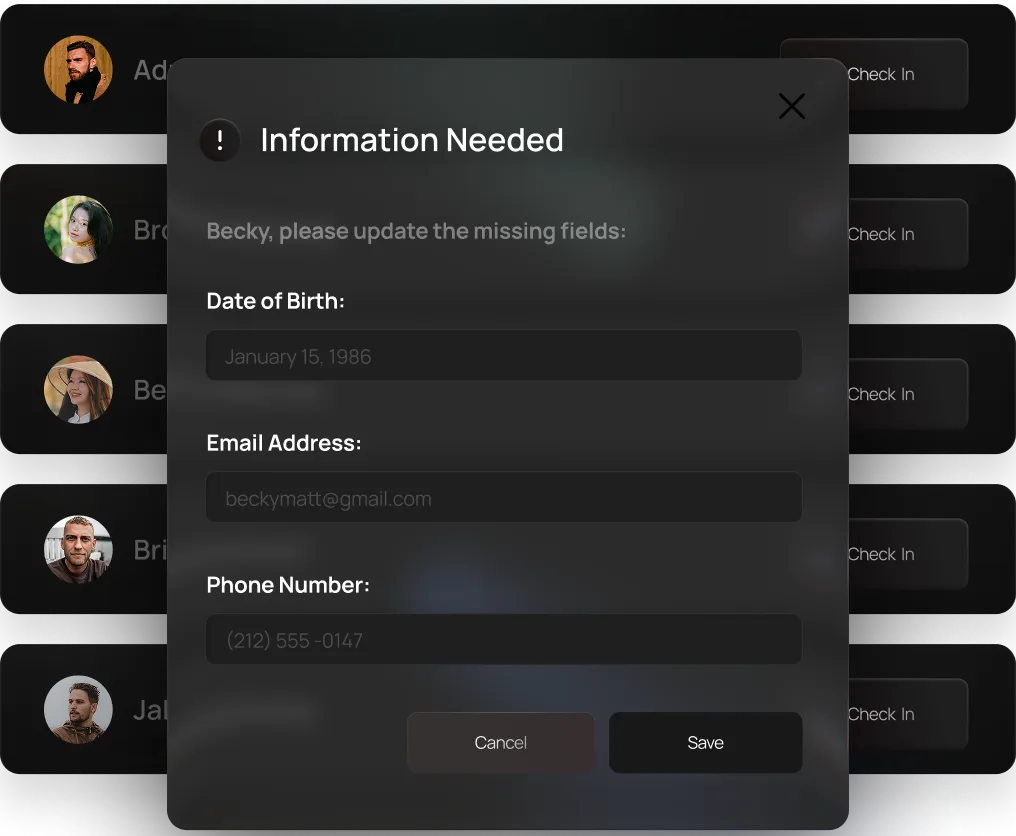
Milestone Moments
Confetti for the big moments.
The second a milestone client taps to check in, the screen erupts with confetti. It’s a tiny moment that costs you nothing and earns you everything: the smile, the photo, the story they tell their friends. Loyalty, celebrated automatically, every single time.
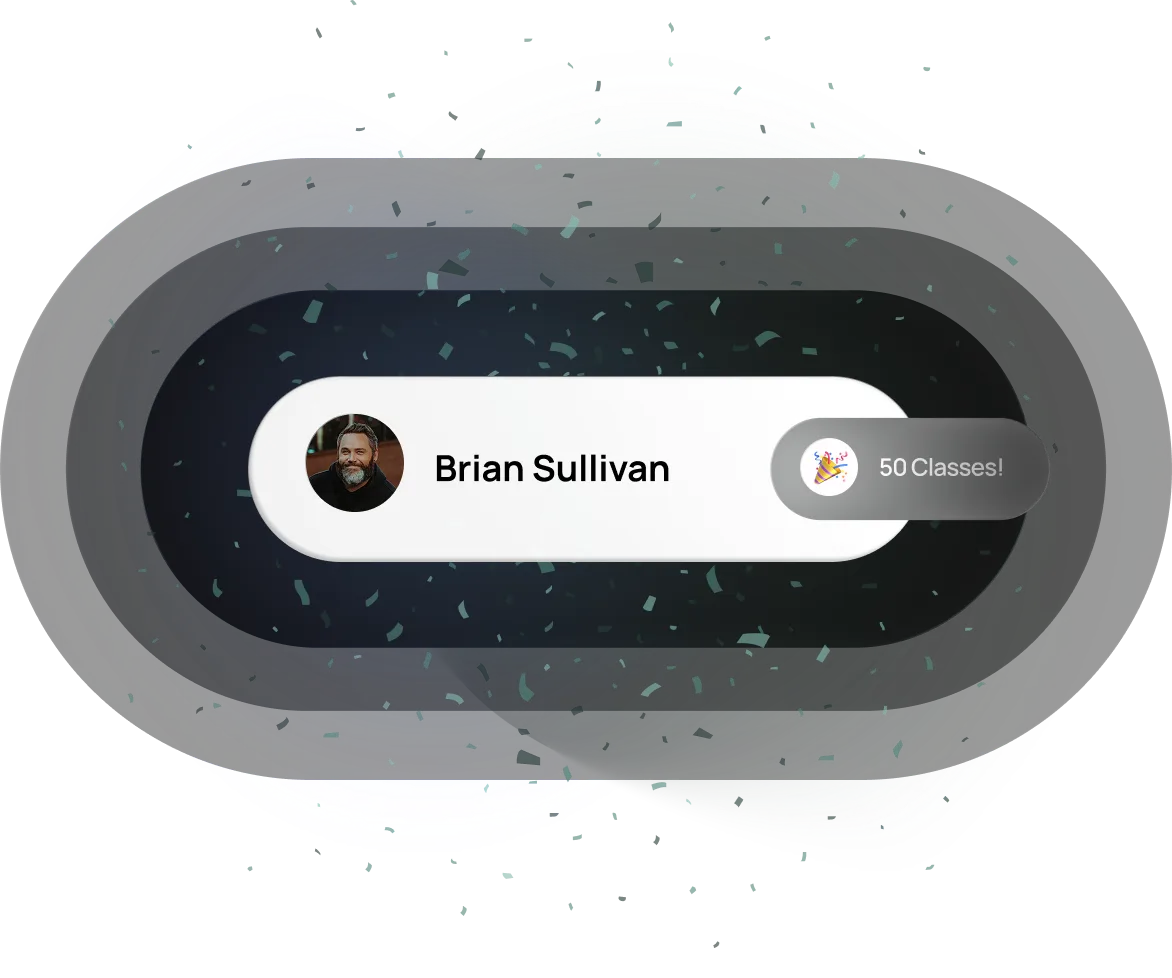
Waivers & Contracts
Waivers signed at the door.
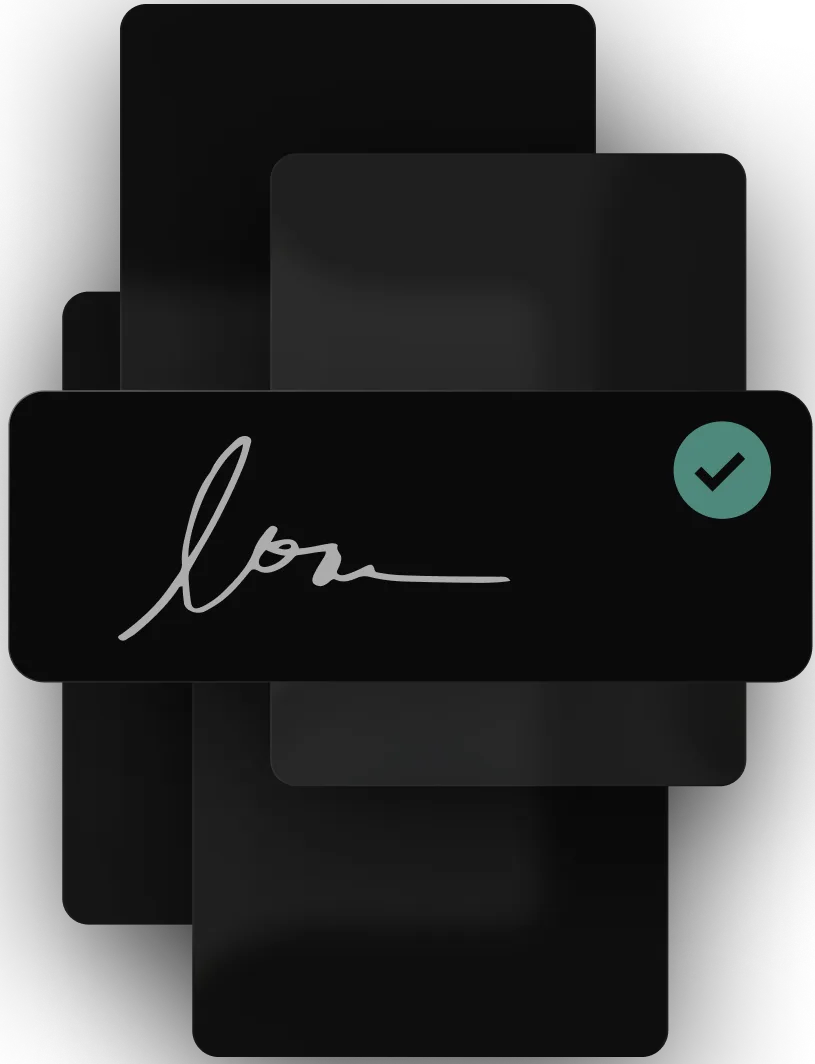
Capture flags every client with an unsigned waiver or pending membership contract the moment they check in, then walks them through a clean, on-screen signature flow in seconds. Your front desk stops chasing paperwork, your compliance stays airtight, and your members never feel slowed down.
Fill In Missing Info
The kiosk knows what's missing. When a client checks in without an email, phone number, address, or birthdate on file, AXLE Capture prompts them to add it right then, right there.
Milestone Confetti
A full-screen confetti celebration fires the moment your loyal clients hit a milestone, turning a routine check-in into a moment they'll talk about.
Waiver & Contract Signatures
Outstanding liability waiver? Unsigned membership contract? Capture clears the queue at check-in with a built-in signature pad. No paperwork, no chasing, no compliance gaps.
Profile Photo Capture
Put a face to every name on the roster. Capture snaps and attaches profile photos right at the kiosk, so instructors and front desk staff always know who just walked in.
Update Payment Info
Expired card? Missing billing info? Capture securely collects new card details before the client steps onto the floor, saving you the awkward follow-up call later.
Barcode ID Sign-In
Touchless, instant sign-in. Members hold their ID badge up to the camera and they're checked in. No tapping, no typing, no line at the front desk.
FAQs
Everything you wanted to ask before the demo.
What kind of device do I need to run AXLE Capture?
Capture runs on standard iOS and Android tablets, so most studios use an off-the-shelf iPad or Android tablet on a countertop stand. No proprietary hardware, no expensive POS terminal. Just a tablet and a power cable.
Can I customize the branding?
Yes. Background imagery, logo, colors, fonts, and even confetti style can be customized to match your studio’s look and feel, from the home screen clock to the celebration animations.
Does it work for international studios?
Capture supports multiple languages and country-aware phone-number formatting, so studios outside the US can collect mobile numbers and addresses in the right format for their region.
Can new clients sign up for the first time at the kiosk?
Yes. Capture has a built-in self-service registration flow that collects first name, last name, email, and mobile, then walks the new client through your liability waiver, all before they hit the floor.
How long does setup take?
Most studios are live in under 2 minutes. Install the app, sign in with your booking system credentials, pick a location, and you’re checking clients in.
Does it connect to my existing booking system?
Yes. Capture pulls your live class schedule, rosters, appointments, and client profiles directly from your booking system, so check-ins, photos, signatures, and updated client info sync back automatically. No double entry, no exports, no spreadsheets.
How does the kiosk know what info is missing?
The moment a client taps to check in, Capture compares their profile against the fields you’ve marked as required: email, phone, birthday, address, photo, billing info, waiver, contract, and any custom field. If something’s missing, it asks for it before letting the check-in complete.
Are the digital waivers and contracts legally binding?
Yes. Capture records a full signature image plus the client’s identity, timestamp, and the document signed. That’s the same standard used by every major e-signature platform. The signed waiver is stored against the client profile in your booking system for safekeeping.
Is it safe to collect credit card info on a kiosk?
Card details are handled securely and passed straight through to your booking system’s payment processor, and they’re never stored on the device. Capture uses the same encryption and tokenization standards as your existing payment flows.
What happens if the internet drops mid-class?
Capture caches your class lists, rosters, and settings locally, so the kiosk stays usable even when the connection blips. Check-ins, photos, and signatures sync automatically the moment you’re back online.
Built for what comes next.
Get a Free Demo